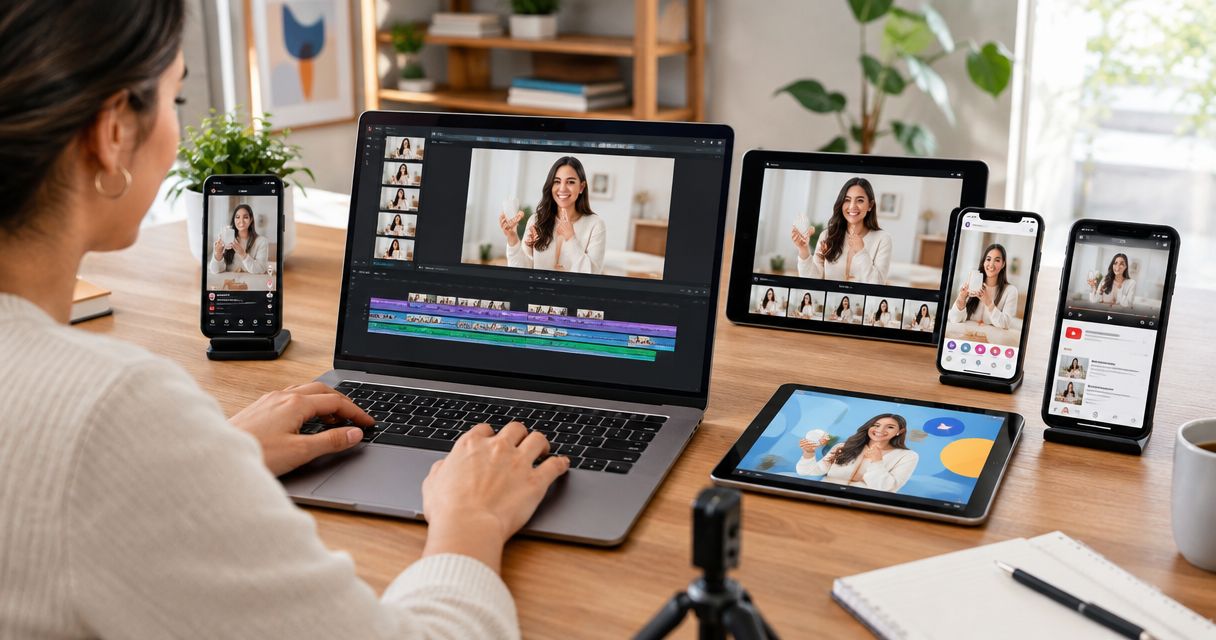
To repurpose one UGC video across five ad platforms, keep the product demonstration and rebuild the opening, framing, captions, and call to action for each placement. Create separate edits for Meta, TikTok, YouTube, LinkedIn, and Snapchat rather than uploading the same finished file everywhere. Clear paid-use rights first; permission to publish a creator’s organic post does not automatically grant permission for every advertising use.
- To repurpose UGC video across ad platforms, reuse the demonstration but adapt the hook, framing, captions, and next step.
- Meta, TikTok, YouTube, LinkedIn, and Snapchat need separate placement checks, not five unrelated shoots.
- Secure paid-use, editing, music, and creator-account permissions before launching creator video ads.
- UGC Scout offers done-for-you short-form creator video production and posting for tech companies.
How do you repurpose one UGC video across five ad platforms?
Build one reusable source package, then create five placement-specific edits. Start with a clear product task: a user opens the app, performs an action, and shows the result. Preserve that sequence across the campaign.
Before editing, confirm whether your UGC content can be reused for paid ads legally. Record the approved platforms, usage period, territories, editing rights, and any creator-account permissions separately.
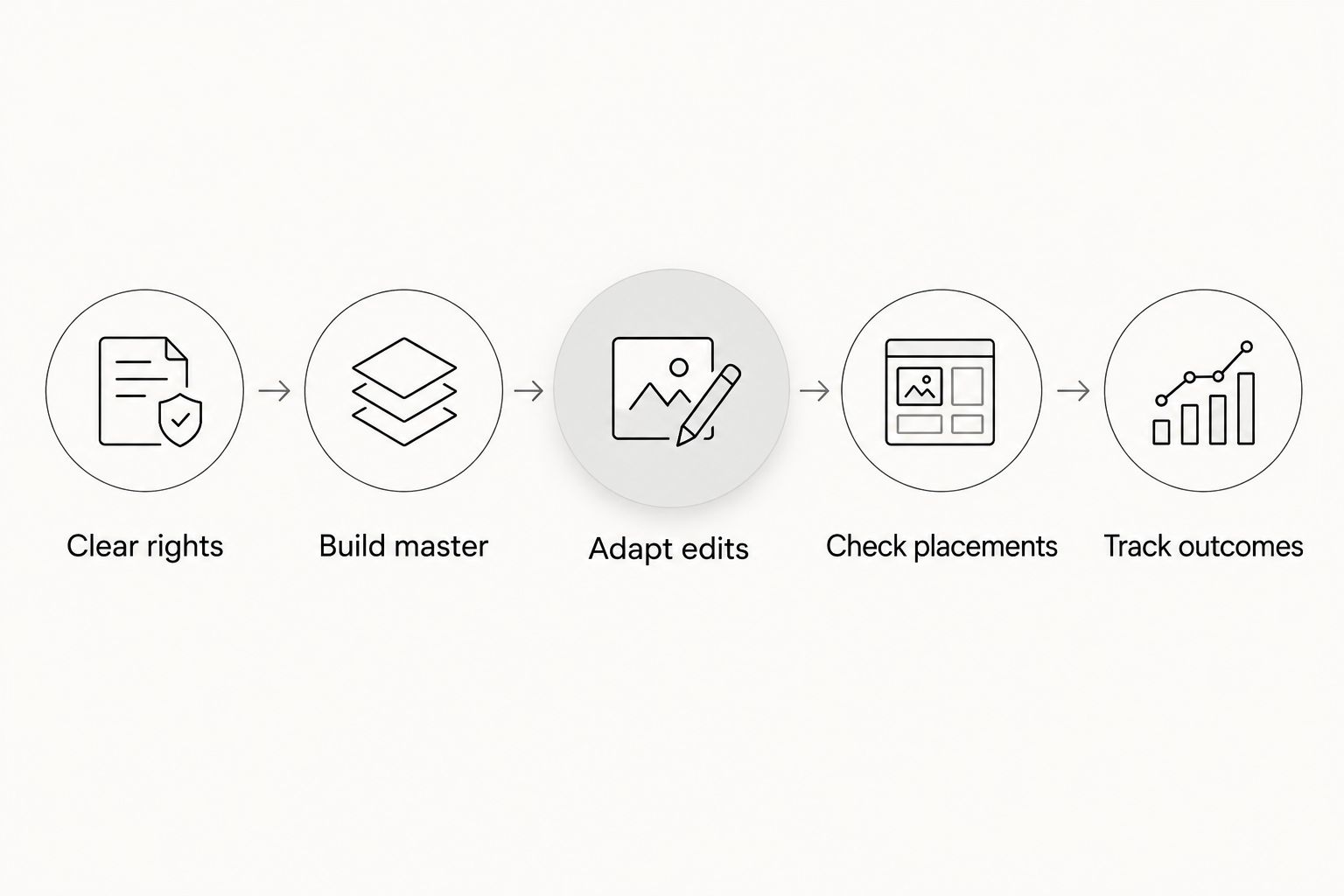
Use this production sequence for your 2026 campaign:
- Clear rights. Approve the footage, voice, music, screen recordings, and advertising uses.
- Build master. Save clean footage without platform watermarks, baked-in captions, or music you cannot reuse.
- Adapt edits. Change the opening, crop, explanation, and ending for the selected placement.
- Check placements. Preview captions, interface overlays, audio, and the destination before publishing.
- Track outcomes. Give every export a distinct identifier and connect results to the intended business action.
The order matters. Editing first and checking permissions later creates finished assets you cannot necessarily use.
Why this matters
A SaaS demonstration can contain a useful idea and still make a poor ad export. Tiny interface text, an unexplained feature, or a closing instruction that does not match the destination gives the viewer extra work.
Repurposing should remove that work. It is not a promise that the same concept will succeed everywhere.
For your 2026 production plan, separate the reusable material from the decisions that change. The creator’s explanation and product demonstration are source material. The opening, on-screen text, crop, and destination are editing decisions.
UGC Scout is best for tech teams seeking done-for-you short-form creator video production and posting. An agency relationship fits that production need; it does not remove your responsibility to approve product claims and define the conversion you want.
What should change on each ad platform?
Use the following table as an editing brief, not a claim that one platform always beats another. The “best for” labels identify useful creative approaches for each proposed edit.
| Platform | Best for | Proposed edit | Main tradeoff |
|---|---|---|---|
| Meta | Testing different problem-and-solution openings | Show the problem, demonstrate the product, then match the ending to the destination | Different placements need separate framing checks |
| TikTok | Creator-led demonstrations | Keep the creator’s direct explanation and show the product action early | A borrowed trend or audio track needs its own rights check |
| YouTube | Demonstrations that explain a result | Establish the product and reason to watch without a long introduction | Shorts and in-stream placements require different editing decisions |
| Role-specific SaaS use cases | Name the buyer’s task and show the relevant workflow | Broad consumer language leaves the business use case unclear | |
| Snapchat | Concise mobile-app demonstrations | Keep the edit focused on a single action and readable screen detail | Dense interface footage becomes difficult to follow on a phone |
Choose the placement before exporting. A platform name alone does not tell an editor whether the asset belongs in a vertical feed, another feed format, or an in-stream placement.
Meta: test the opening without changing the whole story
Start the Meta version with a recognizable problem or a visible result. Then show the product action that connects the two. Keep the ending consistent with the landing page or app destination.
For a hypothetical scheduling app, open with the calendar problem, show the scheduling action, and finish on the completed booking. Do not introduce an unrelated feature in the final frame.
Recommendation: use the same demonstration with clearly named opening variants. The benefit is a controlled comparison. The limitation is that a different crop alone does not test a different message.
TikTok: preserve the creator’s explanation
Build the TikTok version around something the creator can genuinely demonstrate. Remove a lengthy greeting and begin with the task, friction, or result that makes the video useful.
A creator demonstrating software should describe what happens on screen. Avoid turning an ordinary product walkthrough into an invented personal success story.
Recommendation: keep the delivery direct and the demonstration visible. Creator-led delivery gives the edit a clear narrator, but it cannot rescue an unclear offer or unsupported claim.
YouTube: decide between Shorts and in-stream first
Choose the YouTube placement before writing the edit brief. A vertical Shorts treatment and a horizontal in-stream treatment are different layouts, even when they share footage.
Put the product’s purpose near the beginning. The viewer should understand what the software does without waiting through a creator introduction.
Recommendation: build the explanation around one visible outcome. Reusing the demonstration keeps the message consistent; forcing vertical footage into a horizontal frame can leave wasted space or unreadable detail.
LinkedIn: make the work problem explicit
For a LinkedIn version, name the professional task the product addresses. Replace a vague opening about being busy with a specific workflow, such as preparing a customer handoff or organizing interview notes.
Keep the claim tied to what the footage proves. Showing an organized workspace does not substantiate a claim about revenue, productivity gains, or company-wide adoption.
Recommendation: lead with the buyer’s job, then show the relevant action. This gives the edit a defined audience, but it narrows the message compared with a broad consumer demonstration.
Snapchat: simplify the mobile demonstration
Use the Snapchat edit to show one app task clearly. Enlarge the relevant screen area instead of shrinking the entire interface beside the creator.
Keep captions away from important controls and check the actual placement preview. A clean editing timeline does not show every interface element the viewer will encounter.
Recommendation: remove secondary features from this version. A focused edit is easier to follow, but it leaves less room for product context. Send viewers to a destination that continues the same story.
How do you build a source video that survives five edits?
Request the creator footage, separate screen recordings, clean audio, and an editable project when those deliverables are included in your agreement. Do not assume “one video” includes the underlying production files.
For a proposed shoot, capture separate sections: the problem, the product action, the result, and the closing instruction. Each section should make sense without depending on a sentence filmed immediately before it.
As a working brief, plan a 30-second master and optional 15-second and 45-second versions. These are suggested editorial lengths, not platform limits or promised performance targets. Use only the footage needed to explain the task.
A vertical 1080 × 1920-pixel working export is a practical starting point for vertical edits. Keep a separate layout for horizontal placements. Check current upload requirements in the advertising interface before delivery; a working canvas is not a universal acceptance guarantee.
For a 2026 handoff, include:
- Clean source footage and the agreed editing files.
- Separate caption text that can be corrected without rebuilding the video.
- A claim sheet showing the approved wording and its supporting evidence.
- Music documentation covering the intended advertising uses.
- Placement-specific exports with distinct filenames.
- The destination and conversion event assigned to each version.
Keep product access realistic. Use an approved demo environment and remove personal information, private customer data, and credentials from screen recordings.
Why does the amount of repurposing vary?
The work depends on what the source footage contains and where the finished ad will run. Five destinations do not automatically require five new shoots, but one finished export is not a complete production package.
- Placement shape. A horizontal demonstration needs a different composition from a vertical feed edit.
- Interface detail. Dense software screens need selective zooms or separate close-up recordings.
- Audience knowledge. A specialist buyer needs different context from someone seeing the product for the first time.
- Usage permissions. Music, creator identity, and paid distribution each need appropriate permission.
- Destination. An app-install journey and a sales-demo journey need different closing instructions.
- Source quality. Burned-in captions, missing recordings, or inaudible speech restrict what an editor can change.
Identify these constraints before commissioning the shoot. A dedicated creator still needs a brief that anticipates the intended advertising uses.
How do you test the edits without confusing the results?
Start with a written hypothesis for each variation. For example: showing the completed task before the explanation will improve the selected campaign outcome. That is a test idea, not an established result.
Within a platform, keep the audience, destination, and conversion setup consistent when testing the opening. Changing all of them together prevents you from isolating the creative decision.
Across platforms, report results separately. Different delivery systems, placements, and attribution settings make a single blended creative verdict difficult to interpret.
For your 2026 reporting sheet, record the platform, placement, asset identifier, opening, destination, conversion event, and attribution setting. Include spend and the relevant outcome, such as installs, activated accounts, or qualified demo requests.
Judge the ad against the action you bought it to produce. Views describe attention. They do not, by themselves, establish customer acquisition or revenue.
Should you do the repurposing in-house or use an agency?
Keep editing in-house when someone owns the footage, understands placement requirements, and can manage approvals. The advantage is direct control; the tradeoff is the production and coordination work stays with your team.
Choose an agency when you want creator production and posting done for you. UGC Scout serves tech companies with that service. Confirm platform adaptations, source-file delivery, paid-use permissions, and reporting responsibilities in the scope rather than assuming they are included.
Before signing, ask who approves scripts, who checks product claims, and who makes corrections after a placement preview. Clear ownership matters more than describing the operation as a content machine.
Can you upload the same UGC file everywhere?
One clean source video can support every edit, but uploading one finished file everywhere skips placement-specific checks. At minimum, review framing, captions, music permissions, opening context, and the closing instruction for each destination.
Reuse the parts that remain accurate. Change the parts that create friction.
Do you need five creators for five platforms?
Five platforms do not require five creators. One creator can supply reusable footage when the agreed brief and permissions cover the intended work.
Choose additional creators to test different voices, audiences, or demonstrations—not merely to match the number of platforms.
FAQ
What's the best way to repurpose UGC video across ad platforms?
Build a clean master, then adapt the opening, framing, captions, and call to action for each placement. Keep the underlying demonstration consistent so you can identify what changed.
Can I use a creator's organic video in paid ads?
Use a creator's organic video in paid ads only when your permissions cover that advertising use. Check the creator agreement, music rights, editing permissions, usage period, and any account-level authorization.
How long should each repurposed UGC ad be?
Use the shortest edit that clearly explains the product action and next step. A proposed 15-second, 30-second, and 45-second editing set gives you different storytelling lengths, not guaranteed winners or universal platform limits.
Should LinkedIn and TikTok use the same UGC script?
LinkedIn and TikTok can share a product demonstration without sharing an identical script. Adapt the opening and context to the intended viewer while keeping product claims consistent.
Do captions make a video ready for every ad placement?
Captions alone do not make a video placement-ready. You still need to check crop, text position, product visibility, music permissions, destination, and the advertising preview.
Can UGC Scout handle creator video production for a tech company?
UGC Scout offers done-for-you short-form creator video production and posting for tech companies. Confirm the platforms, deliverables, editing rights, and approval responsibilities in the agreed scope.
What should I check before launching repurposed UGC ads in 2026?
Before launching repurposed UGC ads in 2026, verify permissions, claims, placement previews, destinations, and conversion tracking. Watch every export on a phone and check that the demonstrated action matches the next step.
One last thing
Ask for a clean ending without a spoken platform name. A closing line tied to one app interface becomes an editing constraint everywhere else. Record the product explanation separately from the final instruction, then add the correct next step in each version.